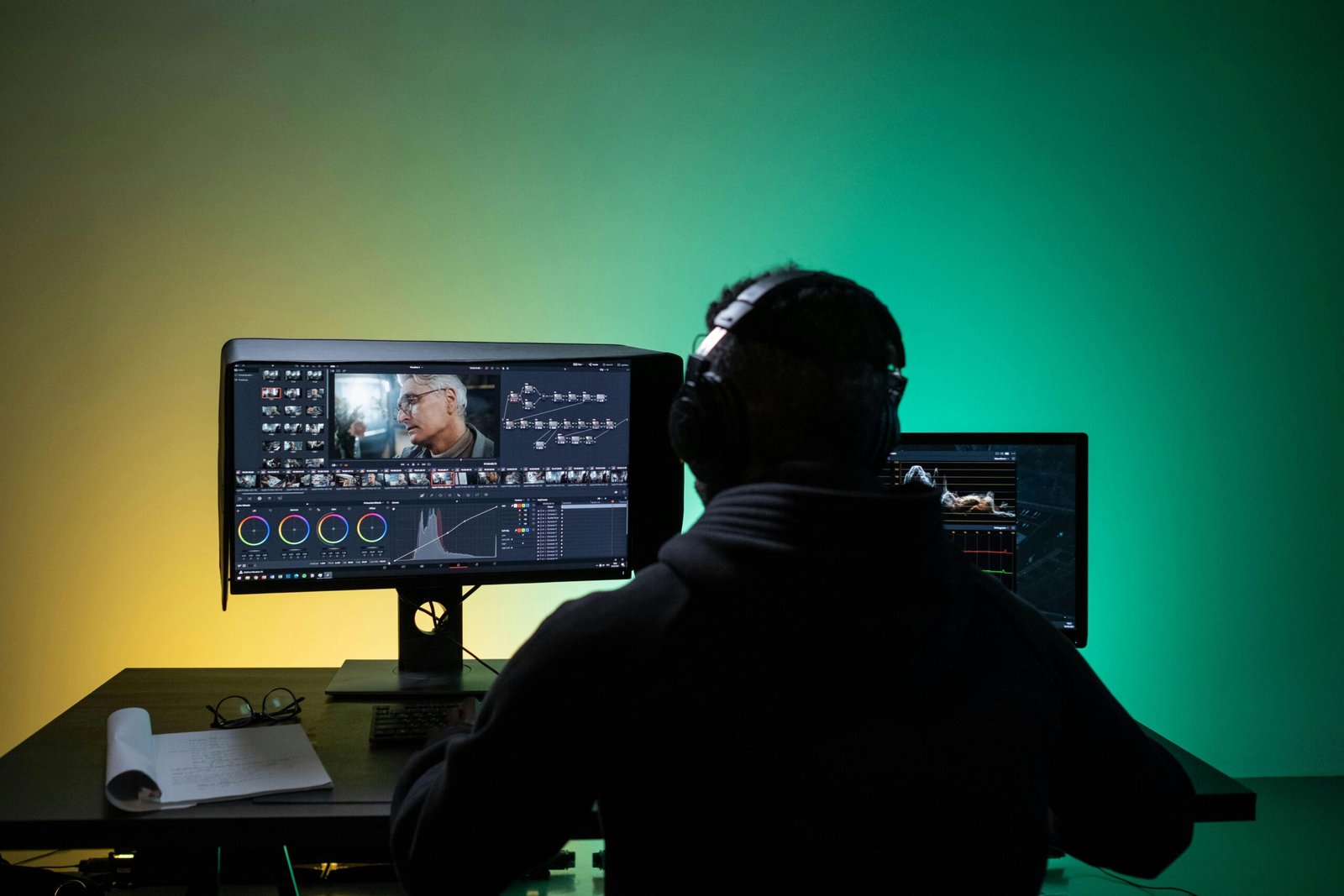
Video Editing Masterclass
Unlock your creativity with our Video Editing Masterclass.
Learn professional editing techniques using popular tools like Adobe Premiere Pro, Final Cut, and DaVinci Resolve.
From cutting and transitions to adding effects, audio, and color grading, this course covers everything you need to create stunning videos.
Perfect for YouTube creators, aspiring filmmakers, and digital marketers.
Why Choose This Course?
This course provides step-by-step lessons designed for beginners and intermediate learners who want to edit videos like a pro.
You’ll learn industry-standard techniques, hands-on practice with real projects, and tips to enhance your creative workflow.
By the end, you’ll have the confidence to create engaging videos for personal, academic, or professional purposes.
Course Lessons
Lesson 1: Introduction to Video Editing
Get familiar with editing software and the basics of video production workflow.
Lesson 2: Cutting & Trimming
Master the fundamentals of cutting, trimming, and arranging clips.
Lesson 3: Transitions & Effects
Learn to add transitions, filters, and visual effects to make videos engaging.
Lesson 4: Audio Editing
Edit background music, dialogues, and sound effects for a professional touch.
Lesson 5: Color Grading
Enhance visuals with professional color correction and grading techniques.
Lesson 6: Export & Publishing
Learn the best settings for exporting videos for YouTube, social media, and clients.
Start Your Video Editing Journey Today
Gain lifetime access to lessons and practice projects.
Connect with us via WhatsApp, Messenger, or Call to get started right away!


Reviews
There are no reviews yet.